Museum oil portrait: the AI photo trend
You as a classical oil painting on a gallery wall. Phototrend makes it from one photo of you — four versions in about 20 seconds, no prompts to write.
Try Museum oil portrait free on iPhoneWhat you get
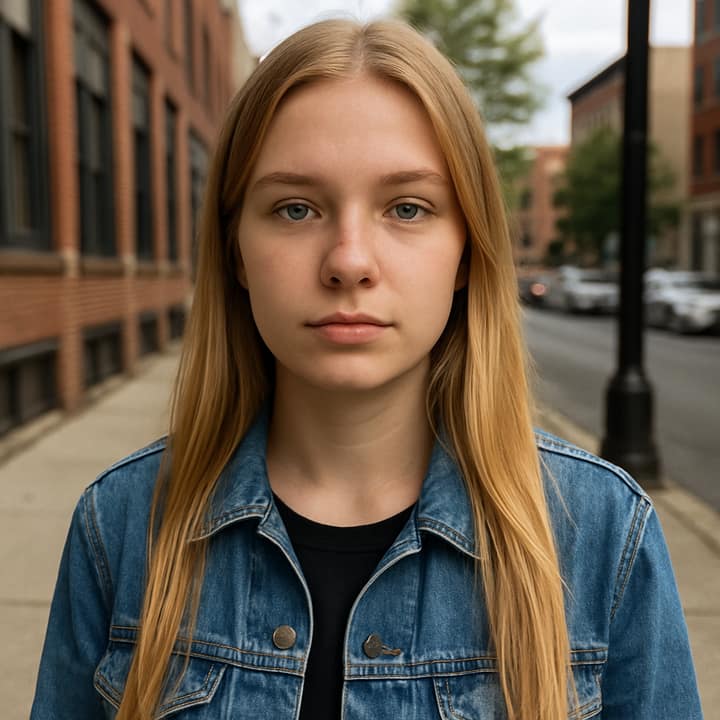
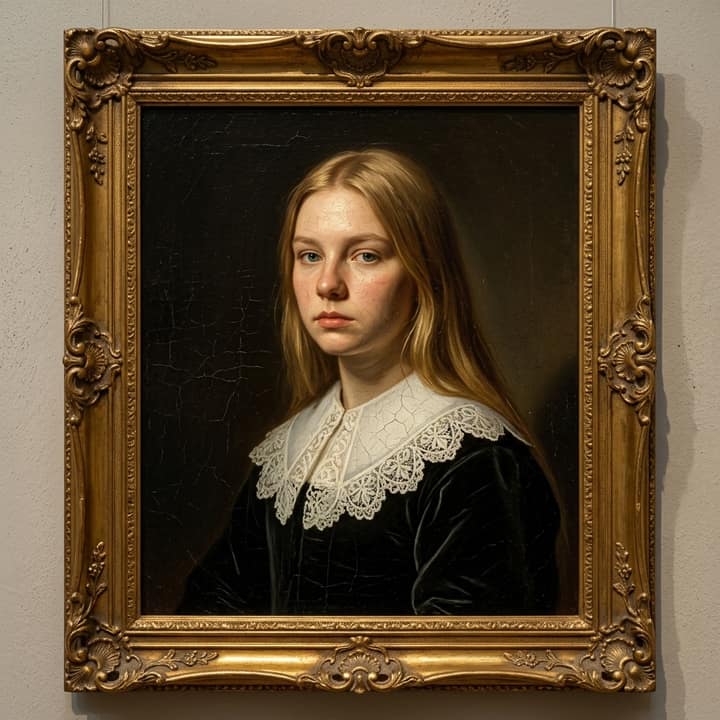
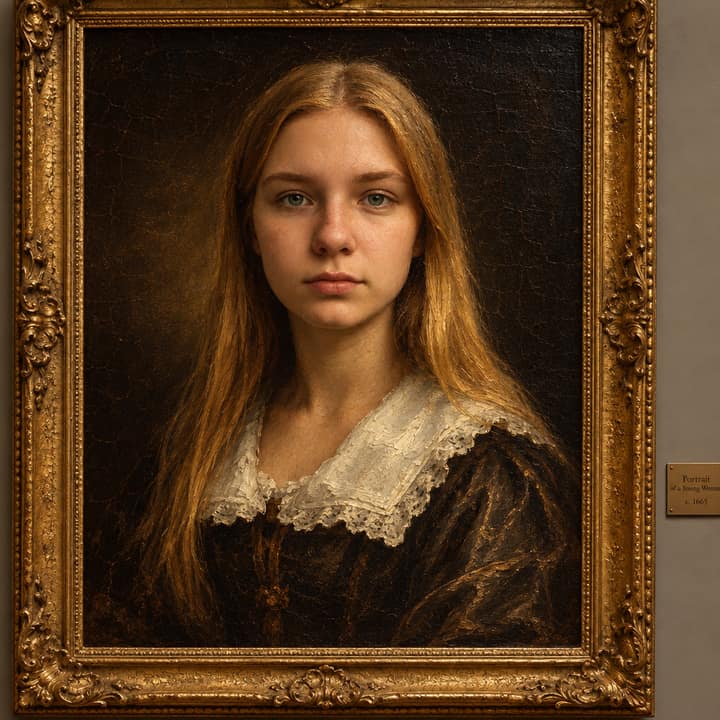

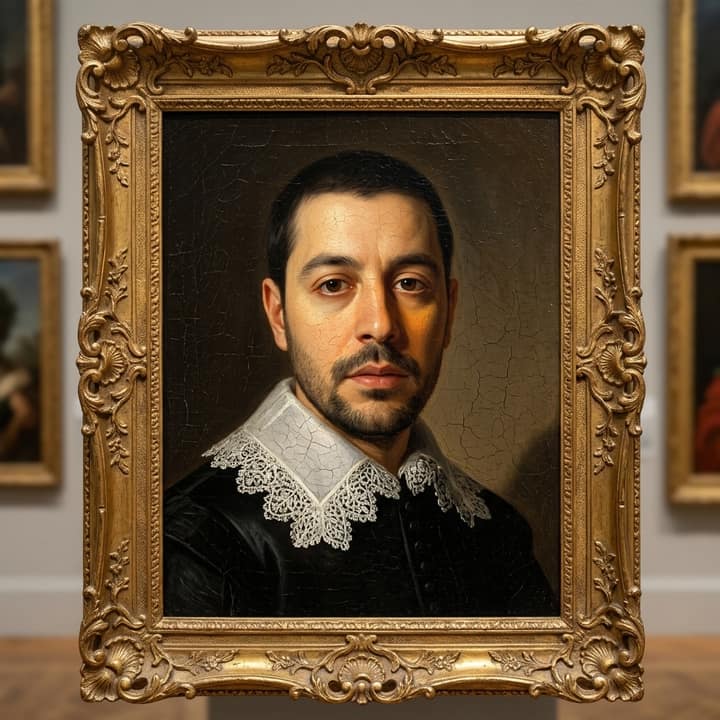
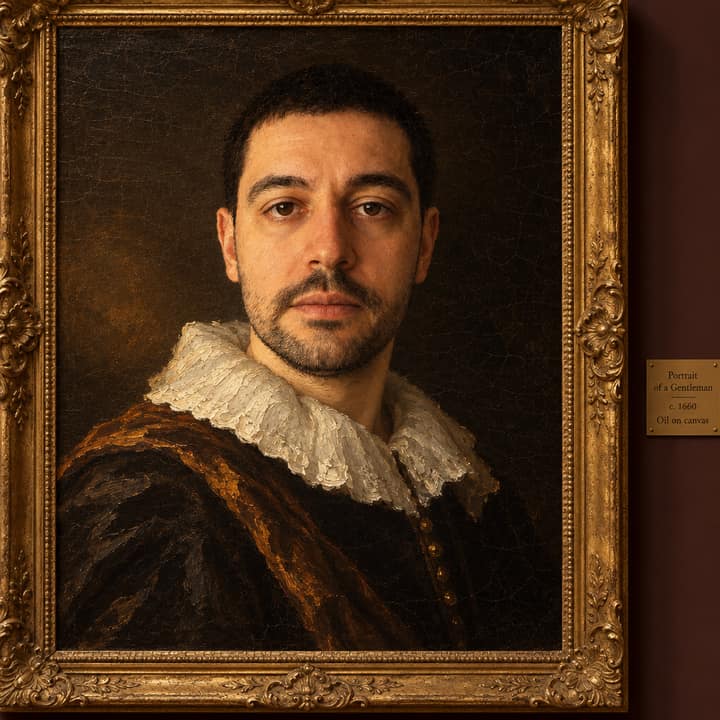
How to do the Museum oil portrait trend
- Get Phototrend from the App Store — the first three runs are free.
- Open Museum oil portrait in the Art trends.
- Choose one clear photo where your face is easy to see.
- In about 20 seconds you get four versions. Keep your favourite, share a before-and-after video to TikTok or Reels, or turn it into a 6-second video of you.