Pixie Cut Filter: the AI photo trend
Try a short layered pixie without cutting your hair. Phototrend makes it from one photo of you — four versions in about 20 seconds, no prompts to write.
Why it's trending: On TikTok since Nov 1 in the Philippines; top how-tos hit 1.4M–2.5M views by Nov 9.
Make yours freeWhat you get


What is the Pixie Cut Filter trend?
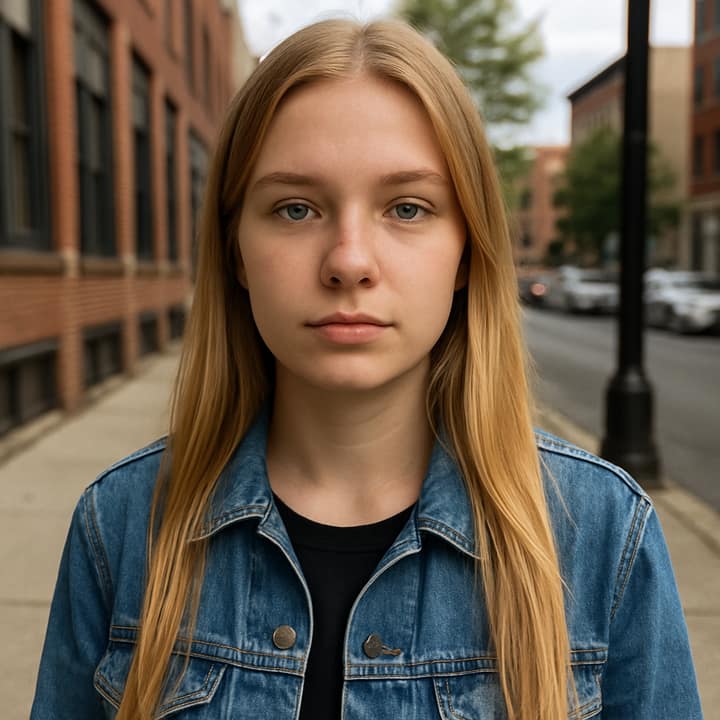
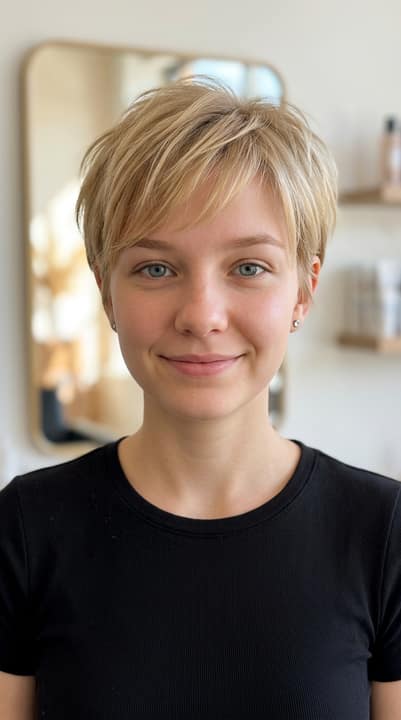
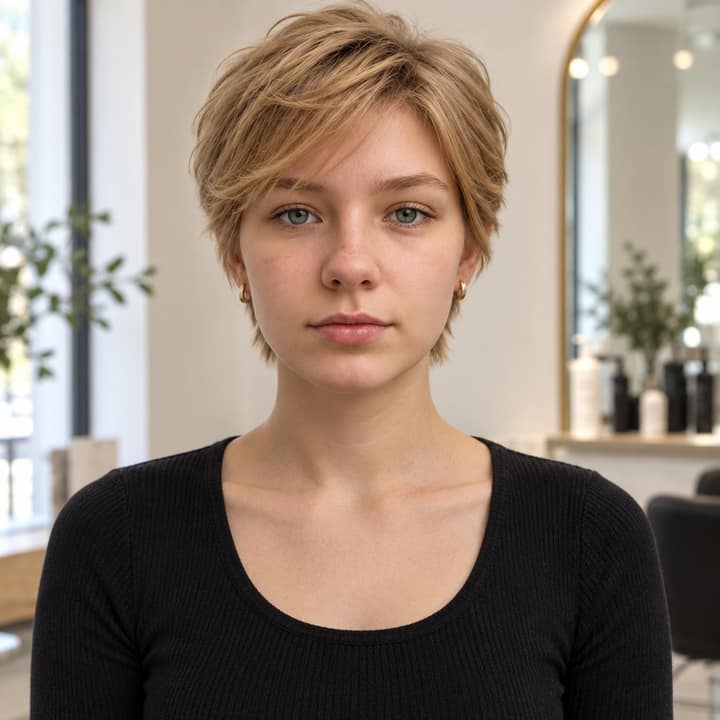
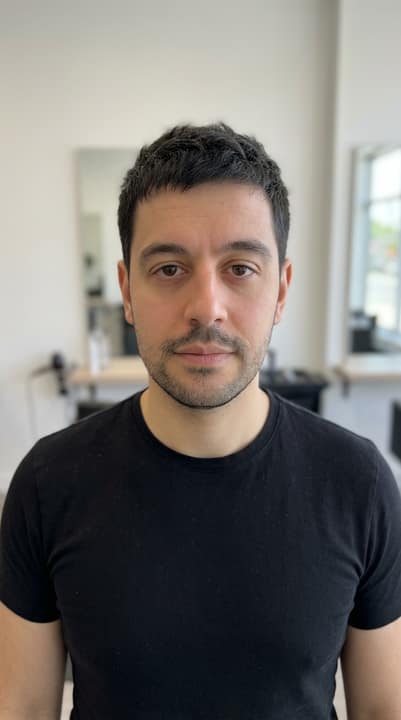
The pixie cut filter shows you with a short, layered pixie that looks like a salon makeover, usually with soft texture on top, tapered sides, and a neat shape around the ears and nape. The trend picked up on TikTok in the Philippines in early November 2026, and the biggest how-to posts spread the same short-hair prompt through captions and comments. People like it because it lets them test a dramatic cut without touching their real hair, and because the before-and-after reveal is easy to post.
How to do the Pixie Cut Filter trend
- Open Phototrend in your browser — the first three runs are free, no account needed.
- Pick Pixie Cut Filter (it's in the Photo fixes trends).
- Choose one clear photo where your face is easy to see.
- In about 20 seconds you get four versions. Download your favourite, or turn it into a 6-second video of you.
Tips for the best Pixie Cut Filter picture
- A clear front-facing selfie works best, with your eyes visible and hair pulled away from your face so the pixie shape reads cleanly.
- Natural window light or soft indoor light helps the layered texture look more realistic than flash or harsh shadows.
- Start from a photo with a calm expression and simple clothing, since busy poses and wide smiles can distract from the haircut change.
- If the first result feels too close-cropped, try another selfie with slightly more headroom or a three-quarter angle so the top layers and side taper show better.
Pixie Cut Filter prompt for Nano Banana (Gemini) and ChatGPT
Prefer to do it yourself? Paste this prompt with your photo into Gemini or ChatGPT. You get one picture a try, and keeping your face right often takes a few rewrites — on Phototrend it's one selfie, four versions in about 20 seconds.
Show the prompt
Using the uploaded photo of me as the reference, create a realistic before-and-after style portrait with a short layered pixie haircut. Keep the face exactly the same. Show soft wispy layers, tapered sides, a little volume at the crown, and a natural hairline. Use clean indoor daylight, a simple fitted top, and a modern phone-camera look. No text, no logos, no extra people.
Questions
Does this trend work on groups or kids?
It usually works best on one clear face at a time, because the trend is about seeing a single before-and-after haircut change. On Phototrend, it takes one photo, about 20 seconds, and the first three runs are free.
How do I make the pixie look more real?
Use a sharp selfie in even light, keep your hair off your cheeks, and pick a photo where the face angle is easy to read. Realistic results usually come from showing texture on top, tapered sides, and a natural hairline instead of a perfect helmet shape.
What should I post it with?
Most people post it as a before-and-after reveal, often with a caption about whether the short cut suits them. If you want to test it first, Phototrend lets you try one photo in about 20 seconds, and the first three runs are free.