Christmas Market Night: the AI photo trend
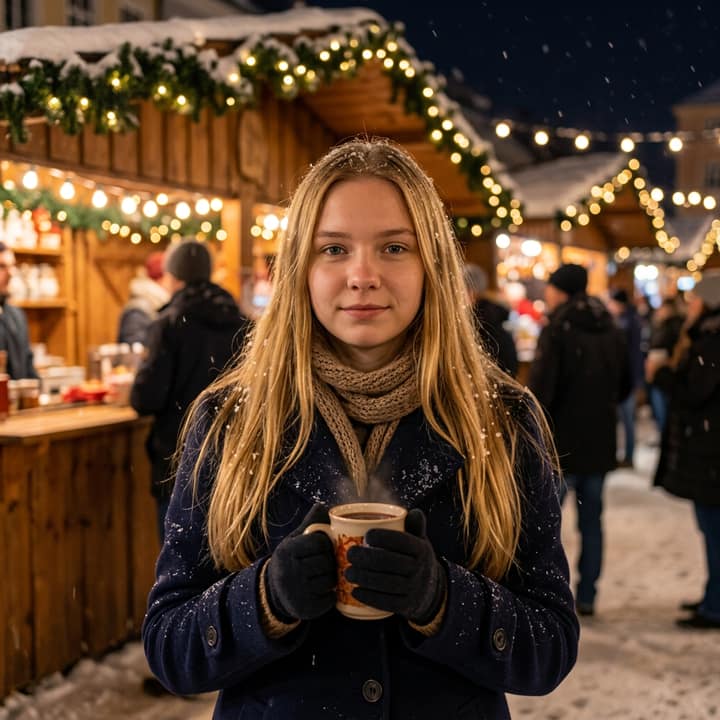
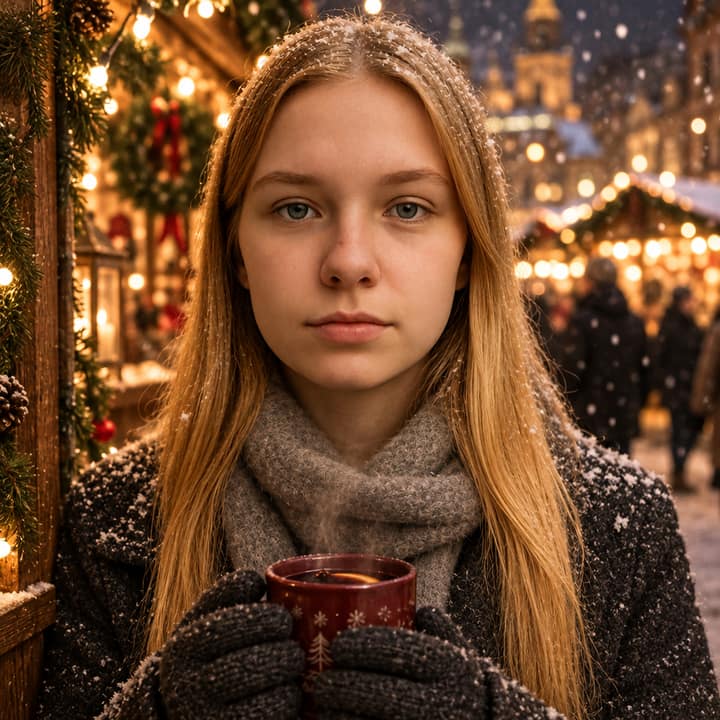
A snowy market portrait with warm lights and a cozy cup. Phototrend makes it from one photo of you — four versions in about 20 seconds, no prompts to write.
Why it's trending: On Christmas prompt/template pages since May 2026, with new TikTok/Reels-style guides updated in late October.
Make yours freeWhat you get
What is the Christmas Market Night trend?
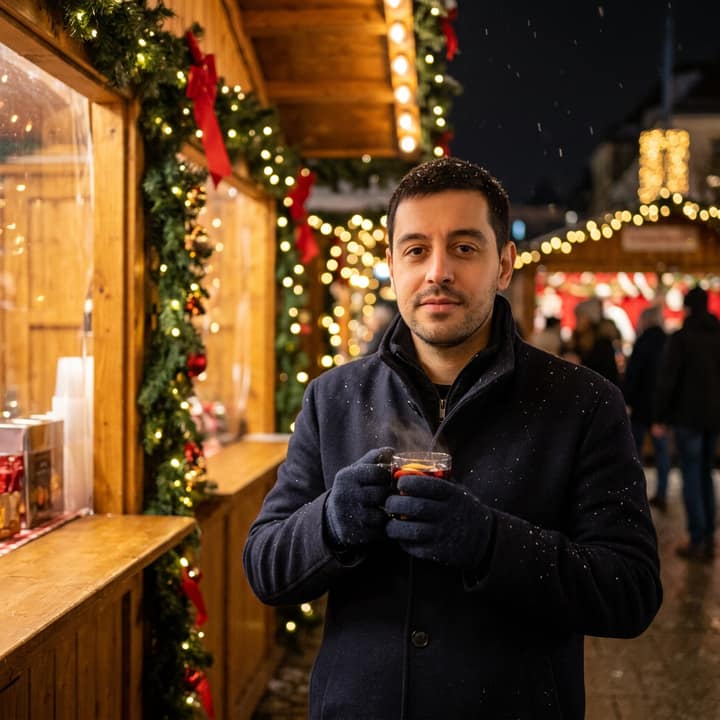
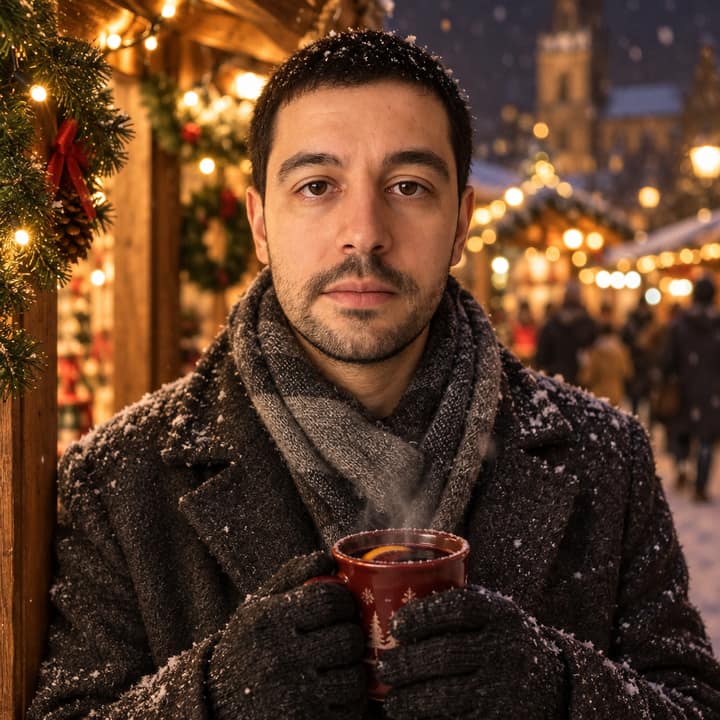
Christmas Market Night is a snowy holiday portrait look built around glowing stalls, warm string lights, and a cup held in both hands. The versions people share are usually front-facing, with a coat, scarf, and soft snowfall in the background; the face stays the focus while the market turns into a blurred wash of amber lights. It was first seen on trend boards on May 10, 2026, and later 2026 prompt guides kept resurfacing it as a simple one-photo holiday look.
How to do the Christmas Market Night trend
- Open Phototrend in your browser — the first three runs are free, no account needed.
- Pick Christmas Market Night (it's in the Christmas trends).
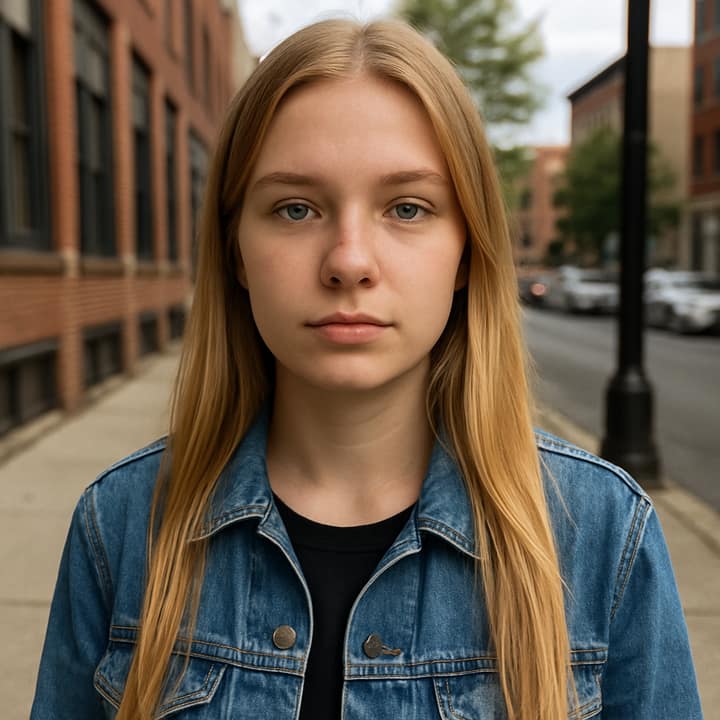
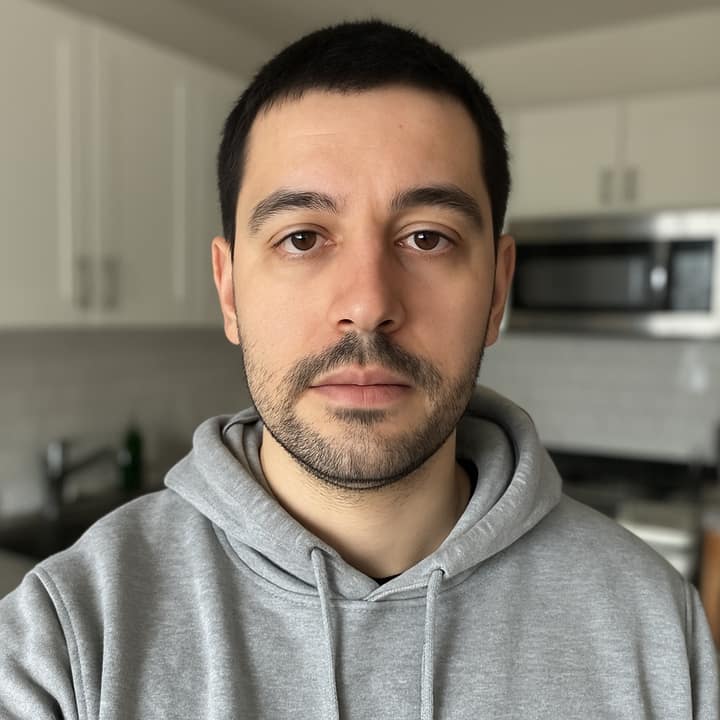
- Choose one clear photo where your face is easy to see.
- In about 20 seconds you get four versions. Download your favourite, or turn it into a 6-second video of you.
Tips for the best Christmas Market Night picture
- Use a clear head-and-shoulders or waist-up selfie with your face turned toward the camera, because this trend works best when the market is the setting, not the pose.
- Pick a photo with a relaxed expression and visible hairline; tight crops, sunglasses, and heavy shadows make the face harder to keep consistent.
- Start from winter clothing if you have it, especially a coat or scarf, since the trend reads more naturally when the outfit matches the cold night scene.
- If the cup or hands come out odd, ask for a simpler version with the same market background and fewer props, then add the drink back on a second run.
Christmas Market Night prompt for Nano Banana (Gemini) and ChatGPT
Prefer to do it yourself? Paste this prompt with your photo into Gemini or ChatGPT. You get one picture a try, and keeping your face right often takes a few rewrites — on Phototrend it's one selfie, four versions in about 20 seconds.
Show the prompt
Using the uploaded photo of me as the reference, keep the face exactly the same and create a realistic night portrait at a Christmas market. I’m wearing a wool coat, scarf, and gloves, holding a steaming cup near wooden stalls under warm string lights, with light snow falling and a softly blurred crowd behind me. Photorealistic winter street photography, gentle blue shadows, natural skin tones, shallow depth of field, no text or logos in the picture.
Questions
Does this Christmas market look work better with one selfie or a group photo?
It works best with one clear selfie, because the scene depends on keeping one face cleanly visible against the busy market background. On Phototrend, you upload one photo, it takes about 20 seconds, and the first three runs are free.
How do I make it look more real and less AI-generated?
Use a photo shot in soft daylight or even light, then ask for a realistic night market, shallow depth of field, and gentle snow instead of a blizzard. Keeping the face unchanged and the background blurred helps it feel more like a real winter portrait.
What should I post this trend with?
It usually works as a cozy holiday post, a profile picture, or a Christmas countdown image. People tend to pair it with a short caption about mulled wine, winter nights, or holiday travel rather than a long explanation.