AI Christmas Photoshoot: the AI photo trend
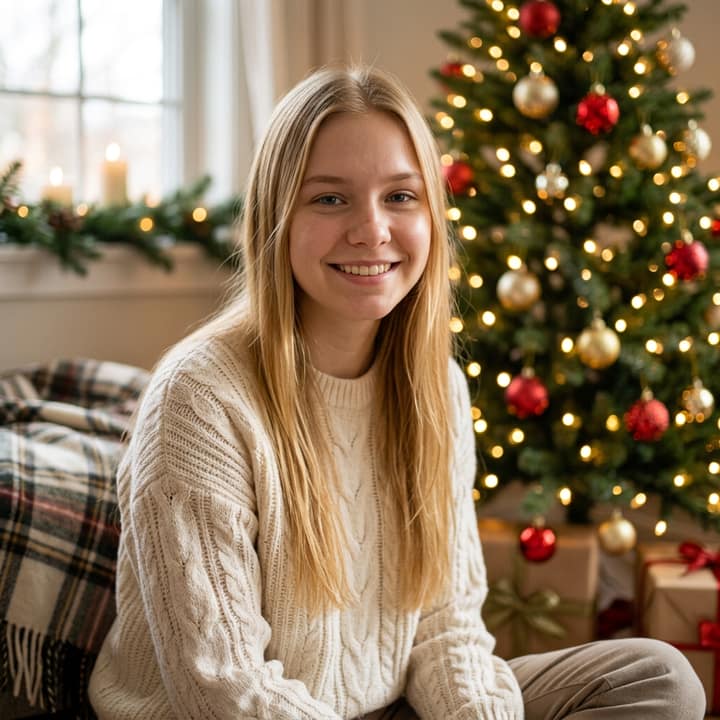
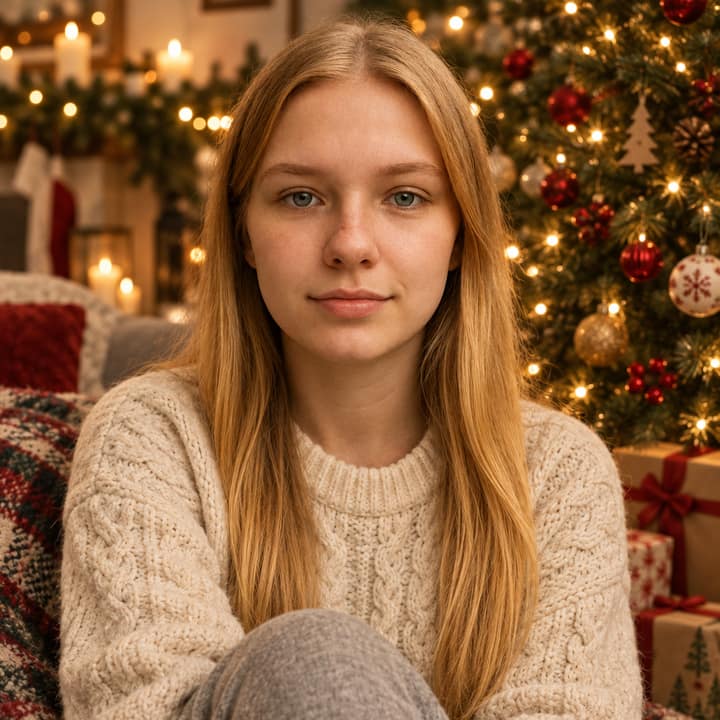
A warm holiday-card portrait by the tree at home. Phototrend makes it from one photo of you — four versions in about 20 seconds, no prompts to write.
Why it's trending: On Reels/TikTok trend pages for 2026 holiday posts, with #aichristmasphotoshoot used for lit-tree portraits.
Make yours freeWhat you get



What is the AI Christmas Photoshoot trend?
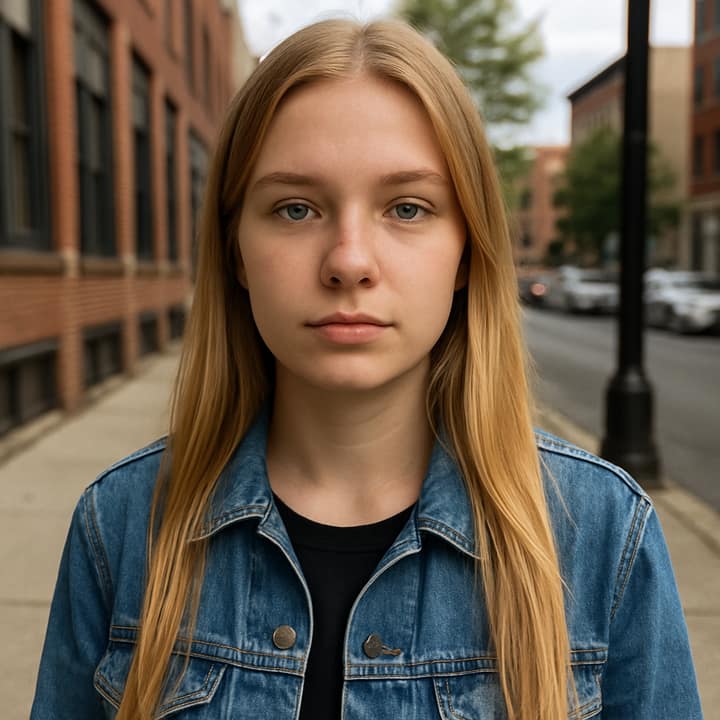
AI Christmas Photoshoot is a holiday portrait trend built from one selfie: the app changes the scene, outfit, and lighting so it looks like a styled Christmas card photo at home. Common versions place you beside a glowing tree with fairy lights, cozy knits, gifts, or a frosty window, and the result is often shared as a post, profile picture, or card.
It has shown up on Reels and TikTok holiday trend pages in 2026, alongside hashtags like #aichristmasphotoshoot and related Christmas photo tags. People like it because it saves the hassle of arranging a full shoot, while still giving a polished holiday look that works for couples, families, and solo portraits.
How to do the AI Christmas Photoshoot trend
- Open Phototrend in your browser — the first three runs are free, no account needed.
- Pick AI Christmas Photoshoot (it's in the Christmas trends).
- Choose one clear photo where your face is easy to see.
- In about 20 seconds you get four versions. Download your favourite, or turn it into a 6-second video of you.
Tips for the best AI Christmas Photoshoot picture
- Use a clear, front-facing selfie with even light so the face stays recognizable and the holiday styling has a clean base.
- Choose a calm expression and simple hair styling, because busy poses, harsh shadows, and strong motion make the Christmas edit less believable.
- Start from neutral clothes in the selfie; the trend works best when the prompt can swap in sweaters, velvet, or other holiday outfits without fighting your original outfit.
- If you want a card-like result, ask for a vertical portrait with the tree and lights behind you, and keep the subject centered so it still crops well for Reels or Stories.
AI Christmas Photoshoot prompt for Nano Banana (Gemini) and ChatGPT
Prefer to do it yourself? Paste this prompt with your photo into Gemini or ChatGPT. You get one picture a try, and keeping your face right often takes a few rewrites — on Phototrend it's one selfie, four versions in about 20 seconds.
Show the prompt
Using the uploaded photo of me as the reference, create a warm AI Christmas photoshoot portrait that keeps my face exactly the same. Show me seated or standing beside a decorated Christmas tree at home, wearing a soft knit sweater in a neutral winter color, with warm fairy lights, wrapped gifts, and gentle candle glow in the background. Use natural skin texture, soft bokeh, and a polished holiday-card look. No text or logos in the picture.
Questions
Can I use a group photo for this trend?
Yes. These Christmas AI edits are often made from one selfie or from separate photos of family members, and some tools even merge people into one card scene. If you want a cleaner result, keep everyone close together and centered.
How do I make it look more real?
Use a sharp source photo, ask the model to keep your face exactly the same, and describe the light clearly, like warm tree lights or soft window light. Realistic skin texture and a simple background usually help more than overly busy props.
What should I post it with?
People usually post it as a holiday card, a December profile picture, or a Reel/Story cover. A short caption and a few Christmas tags like #christmasphotoshoot or #christmascard fit the trend well.