Dark Stage Effect: the AI photo trend
A single-light studio portrait on a deep black backdrop. Phototrend makes it from one photo of you — four versions in about 20 seconds, no prompts to write.
Why it's trending: On TikTok/Reels prompt pages since Sept. 29; Oct. 13 roundups still list Dark Stage.
Make yours freeWhat you get
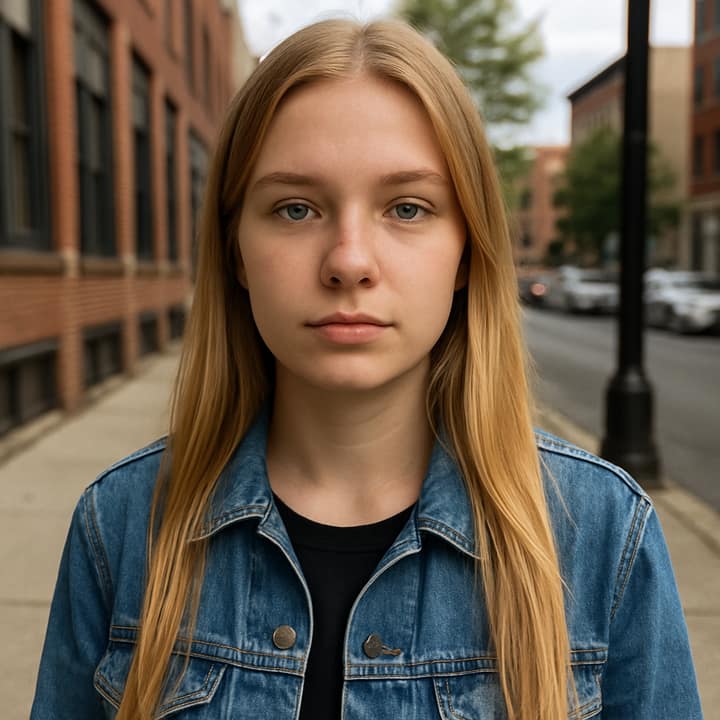
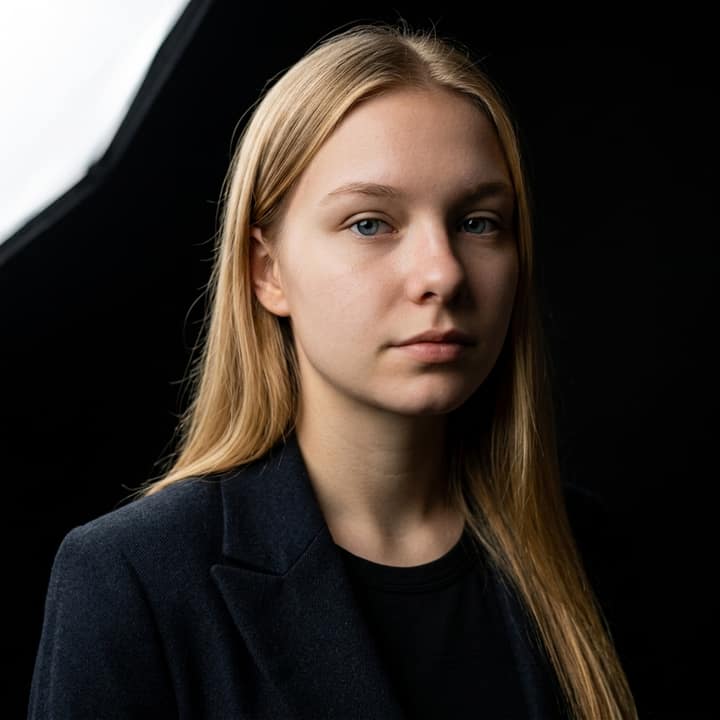
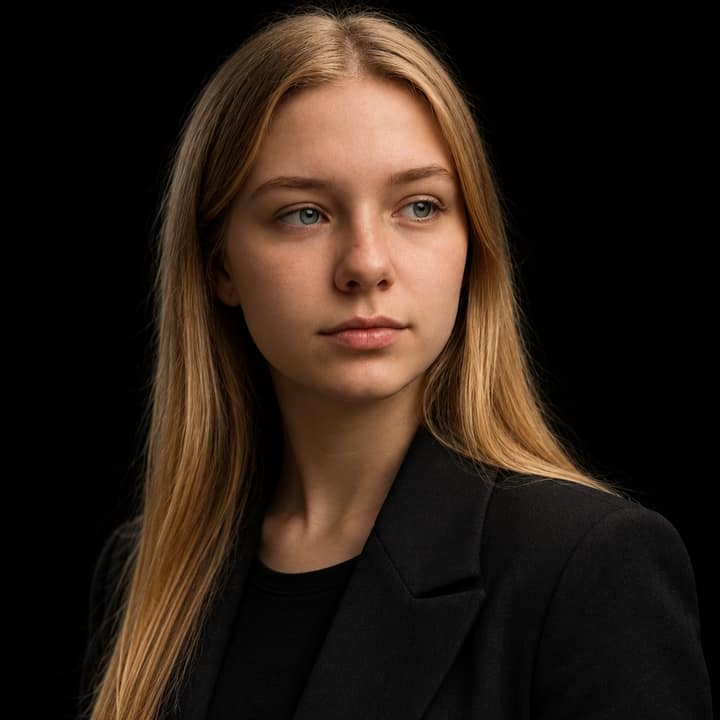



What is the Dark Stage Effect trend?
Dark Stage Effect turns a normal selfie into a low-key studio portrait: a deep black background, one strong light from above or the side, crisp catchlights, and shadow across part of the face. Prompt pages were describing it by September 29, 2026, and October 13 AI trend roundups still listed Dark Stage among the current short-form formats.
People post it as a profile picture, carousel closer, or clean standalone portrait because the black background feels simple, polished, and easy to crop. It suits almost anyone, especially people who want a serious headshot, creator portrait, music-artist look, or fashion-style close-up without a busy setting behind them.
How to do the Dark Stage Effect trend
- Open Phototrend in your browser — the first three runs are free, no account needed.
- Pick Dark Stage Effect (it's in the Portraits trends).
- Choose one clear photo where your face is easy to see.
- In about 20 seconds you get four versions. Download your favourite, or turn it into a 6-second video of you.
Tips for the best Dark Stage Effect picture
- Start with a sharp selfie where your face is fully visible; a slight three-quarter angle usually gives the shadow more shape than a flat front-facing shot.
- Choose a calm or confident expression, because this trend works best as a serious studio portrait rather than a big smile or candid laugh.
- If you have dark hair or dark clothing, ask for a faint rim light on the hair or shoulder so you do not disappear into the black background.
- Try both “soft key light” and “hard key light” versions: soft looks more flattering, while hard light makes the portrait feel more dramatic.
Dark Stage Effect prompt for Nano Banana (Gemini) and ChatGPT
Prefer to do it yourself? Paste this prompt with your photo into Gemini or ChatGPT. You get one picture a try, and keeping your face right often takes a few rewrites — on Phototrend it's one selfie, four versions in about 20 seconds.
Show the prompt
Using the uploaded photo of me as the reference, create a realistic dark stage studio portrait and keep my face exactly the same. Place me against a seamless pure black backdrop, wearing a simple dark jacket or clean plain top. Use one soft but dramatic key light from high camera-left, with gentle shadow on the opposite side, natural skin texture, calm confident expression, subtle catchlights, 85mm portrait lens look, shallow depth of field. No text or logos.
Questions
How do I do the Dark Stage Effect with my own photo?
Upload a clear selfie and use a prompt that asks for a single-light studio portrait on a pure black background. On Phototrend, it takes one photo, about 20 seconds, and the first three runs are free.
Does the Dark Stage Effect work for groups or couples?
It can, but the cleanest results usually come from one person because the single spotlight has to flatter one face. For couples, use a close photo where both faces are sharp and ask for one shared softbox light from the same side.
How do I make the Dark Stage portrait look more real?
Ask for realistic skin texture, natural catchlights, a true black seamless backdrop, and an 85mm portrait lens look. Avoid overloading the prompt with jewelry, smoke, neon, or fantasy details, because the trend depends on simple studio lighting.
More Portraits trends
- Sunlight Eye Portrait
- Business headshot
- Black and White Portrait
- Red carpet arrival
- Underwater Portrait
- Golden Blinds Portrait
- Aura Farm Portrait