Golden Blinds Portrait: the AI photo trend
Add warm window-blind shadows and soft rain to your portrait. Phototrend makes it from one photo of you — four versions in about 20 seconds, no prompts to write.
Why it's trending: On Instagram Reels in early October; #chatgptphotoedit pages show 3.7M-view prompt reels and repeated blind-shadow edits.
Try Golden Blinds Portrait free on iPhone & iPadWhat you get
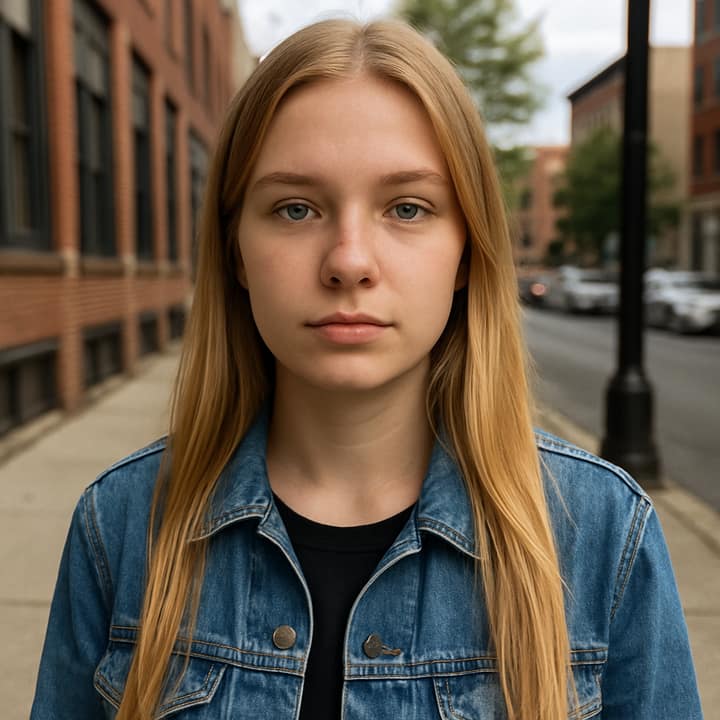
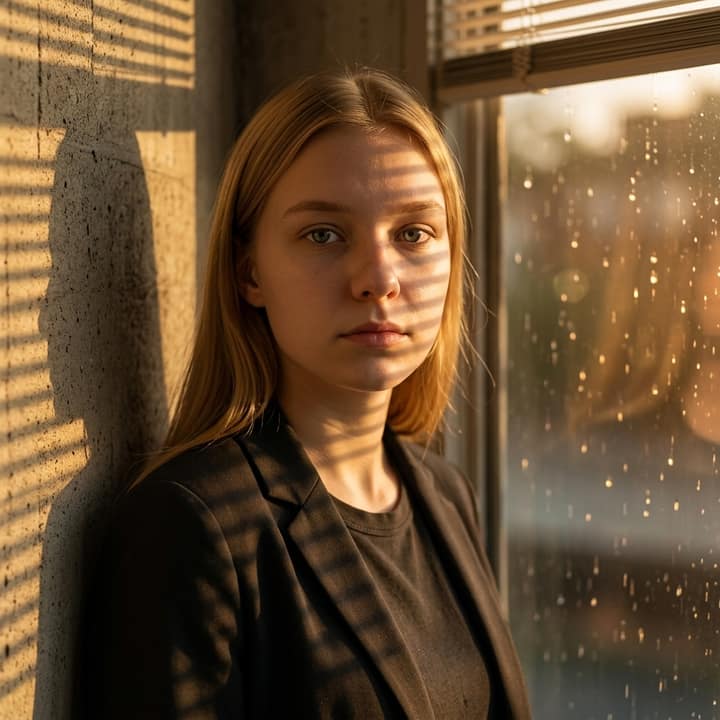
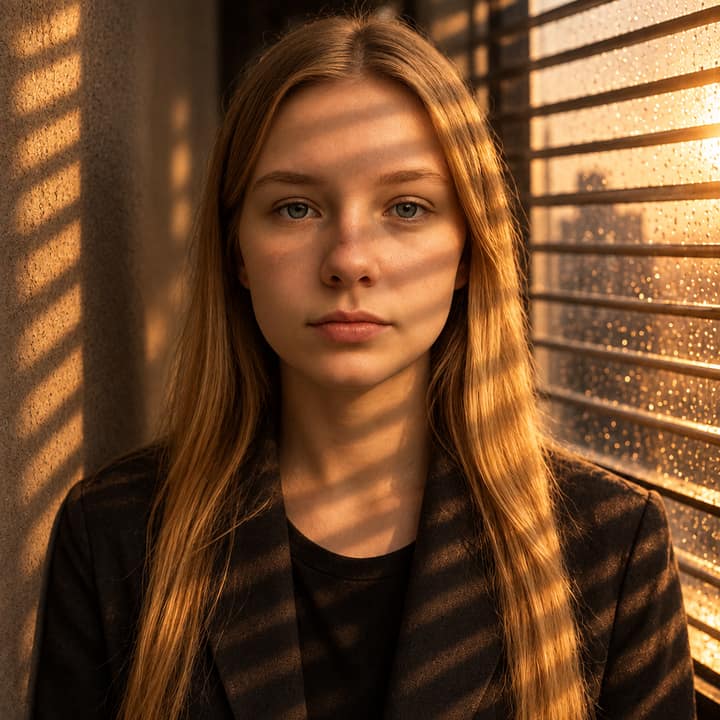

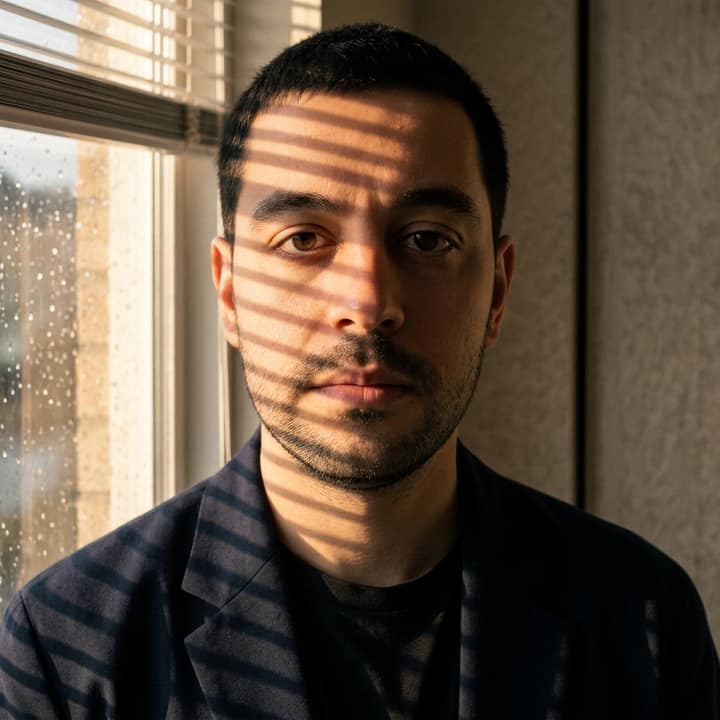

How to do the Golden Blinds Portrait trend
- Get Phototrend from the App Store — the first three runs are free.
- Open Golden Blinds Portrait in the Portraits trends.
- Choose one clear photo where your face is easy to see.
- In about 20 seconds you get four versions. Keep your favourite, share a before-and-after video to TikTok or Reels, or turn it into a 6-second video of you.
More AI photo trends
- Butterfly Wings
- AI Snow Triptych
- Aura Farm Portrait
- AI Crying Scene
- 90s yearbook
- Business headshot
- Collectible figurine in a box
- Restore an old photo
- Museum oil portrait
- Red carpet arrival
- Anime film still
- 80s AI Photo
- 80s Neon Car
- 2000s party digicam
- You in 1935
- Korean baseball broadcast
- Durga Puja Look
- Uncanny Mascot Selfie
- Monsoon AI Photos
- Night Fuel Station
- Y2K Horror Selfie
- 1985 Knit Sweater
- Garba Night
- Ganpati Festival Portrait
- Luxe Collage
- Underwater Portrait