Red carpet arrival: the AI photo trend
Photocall lights, a wall of cameras, you in the middle. Phototrend makes it from one photo of you — four versions in about 20 seconds, no prompts to write.
Why it's trending: Seen in 2026 prom-transition posts and Met Gala-style selfie edits, it turns one photo into a camera-flash moment.
Make yours freeWhat you get
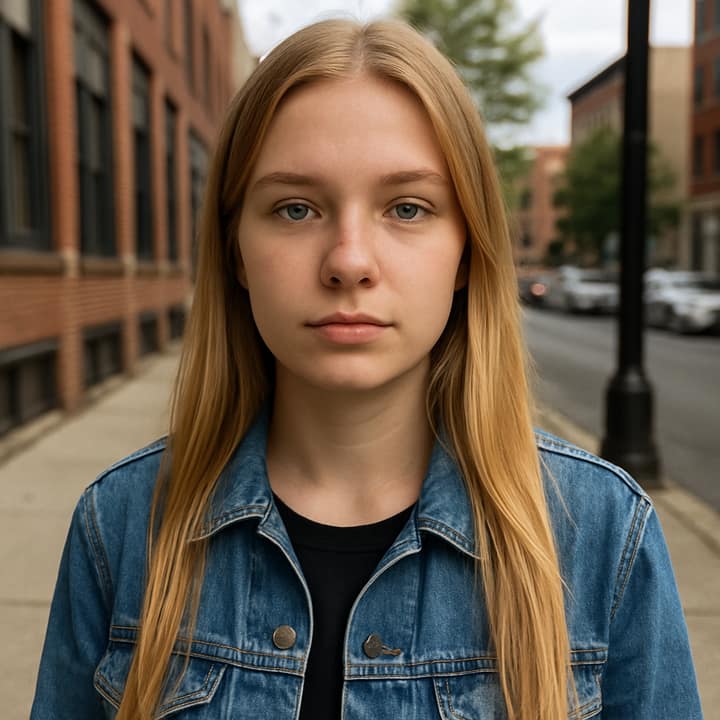
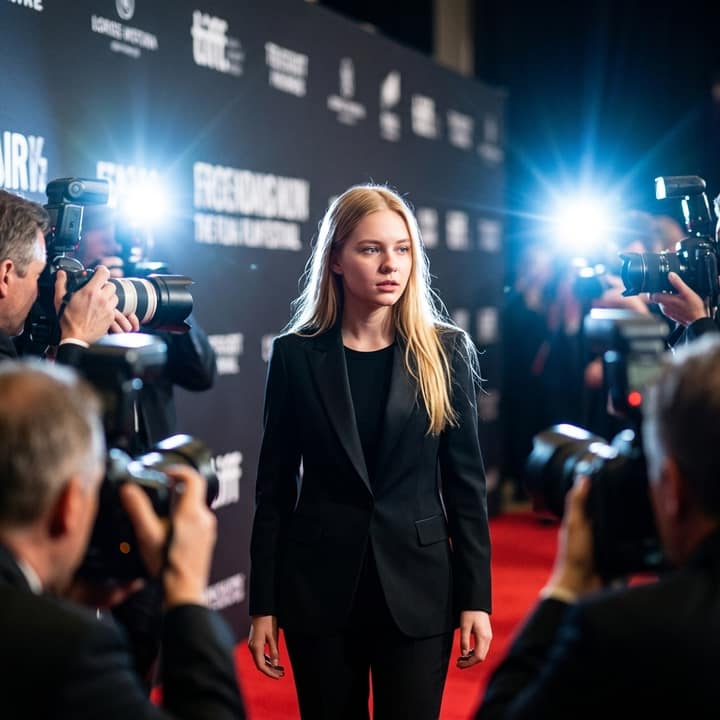
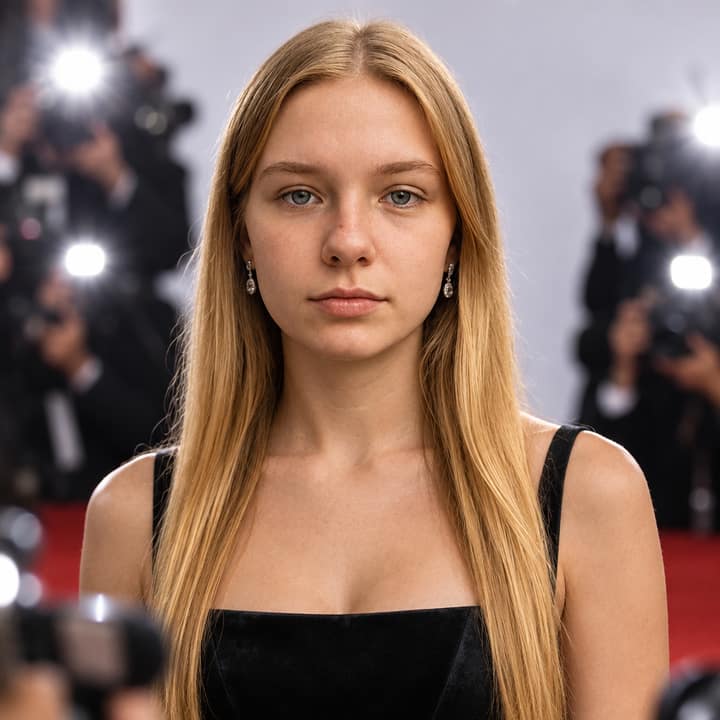

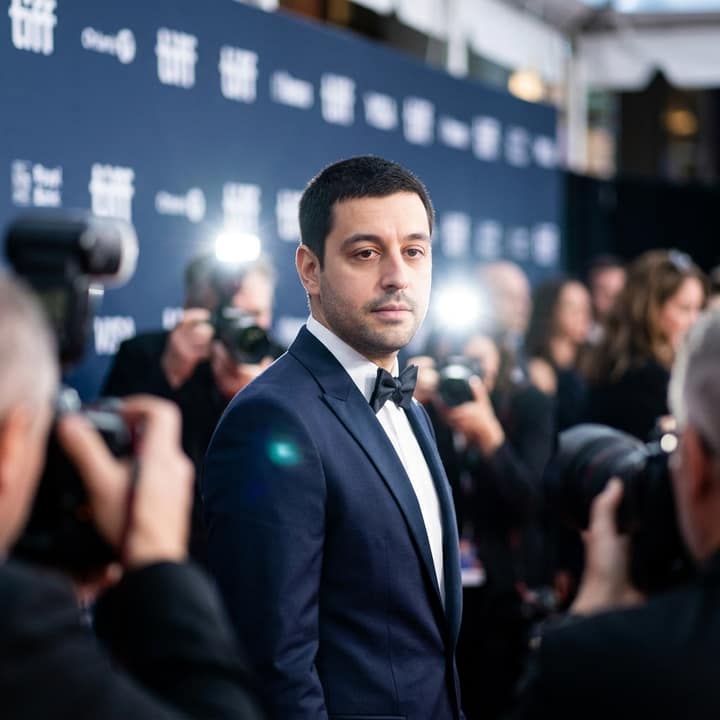

What is the Red carpet arrival trend?
The red carpet arrival trend puts you at a film-premiere photocall: formal outfit, step-and-repeat backdrop, red carpet, bright flash bursts and blurred photographers beyond the ropes. It connects with 2026 prom-transition posts, where a casual “before” cuts to a polished red-carpet look, and with Met Gala-style selfie edits that place everyday photos into fashion-event scenes.
Its exact origin is hard to pin to one creator; the look spread through prompts, templates and short-form edits. People like it because it makes a simple selfie feel like an arrival photo without needing a real event. It suits prom looks, birthdays, graduation posts, engagement photos, creators, and anyone who wants a dressed-up, camera-flash portrait.
How to do the Red carpet arrival trend
- Open Phototrend in your browser — the first three runs are free, no account needed.
- Pick Red carpet arrival (it's in the Portraits trends).
- Choose one clear photo where your face is easy to see.
- In about 20 seconds you get four versions. Download your favourite, or turn it into a 6-second video of you.
Tips for the best Red carpet arrival picture
- Use a clear front-facing or slight three-quarter selfie so the AI can keep your face recognizable under the flash lighting.
- Start with a confident expression or soft smile; the red carpet look feels more natural when your face already has a posed-photo energy.
- If you want a prom version, upload a photo that shows your hair length and shoulders so the gown or suit styling matches you better.
- Try both a full-body crop and a closer portrait crop: full-body gives better outfit drama, while closer shots usually hold the face more accurately.
Red carpet arrival prompt for Nano Banana (Gemini) and ChatGPT
Prefer to do it yourself? Paste this prompt with your photo into Gemini or ChatGPT. You get one picture a try, and keeping your face right often takes a few rewrites — on Phototrend it's one selfie, four versions in about 20 seconds.
Show the prompt
Using the uploaded photo of me as the reference, keep my face exactly the same, with identical facial features and natural skin texture. Create a realistic red carpet arrival photo at a film premiere, me centered under bright paparazzi flashes, wearing elegant formal eveningwear, standing before a plain cream step-and-repeat backdrop with no readable text or logos. Add blurred photographers, velvet ropes, warm nighttime lights, shallow depth of field, fast telephoto press-photo look.
Questions
How do I do the red carpet arrival AI photo trend?
Upload one clear photo and ask for a premiere-style red carpet scene with paparazzi flashes, formalwear and a plain backdrop. On Phototrend, it takes one photo, about 20 seconds, and the first three runs are free.
Is this the same as the Met Gala AI photo trend?
It is closely related, but more general. Instead of naming a real event, the red carpet arrival look gives you a celebrity-style premiere or photocall moment with flashes, photographers and formal fashion.
Can I make a prom red carpet version?
Yes. Ask for a prom red carpet arrival, specify the dress or suit color, and keep the background as a school-event or premiere-style carpet with no readable signs.
More Portraits trends
- Sunlight Eye Portrait
- Business headshot
- Black and White Portrait
- Dark Stage Effect
- Underwater Portrait
- Golden Blinds Portrait
- Aura Farm Portrait