Chibi AI: the AI photo trend
Turn your portrait into a cute glossy chibi character. Phototrend makes it from one photo of you — four versions in about 20 seconds, no prompts to write.
Why it's trending: On Instagram, WhatsApp and short-video apps since May 2026; mini-me chibi variants ran on TikTok in summer 2026.
Make yours freeWhat you get
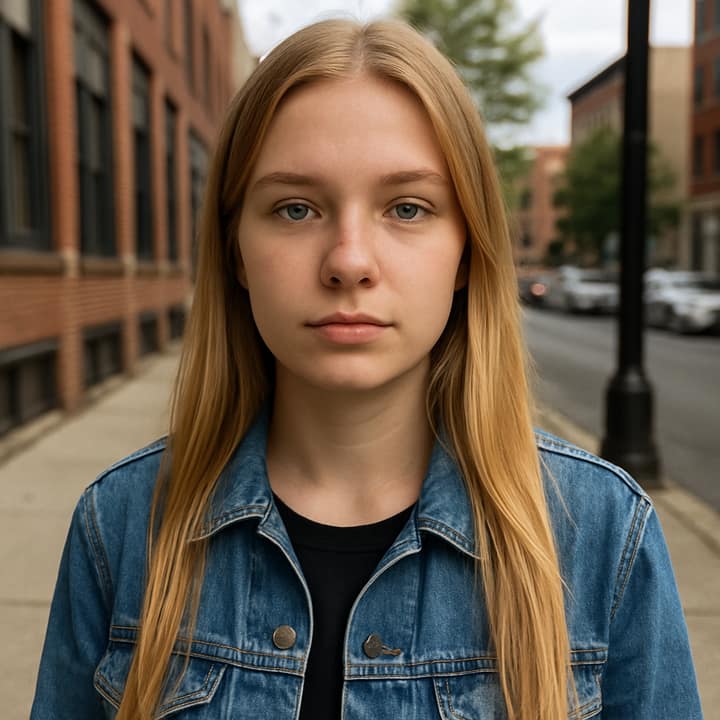
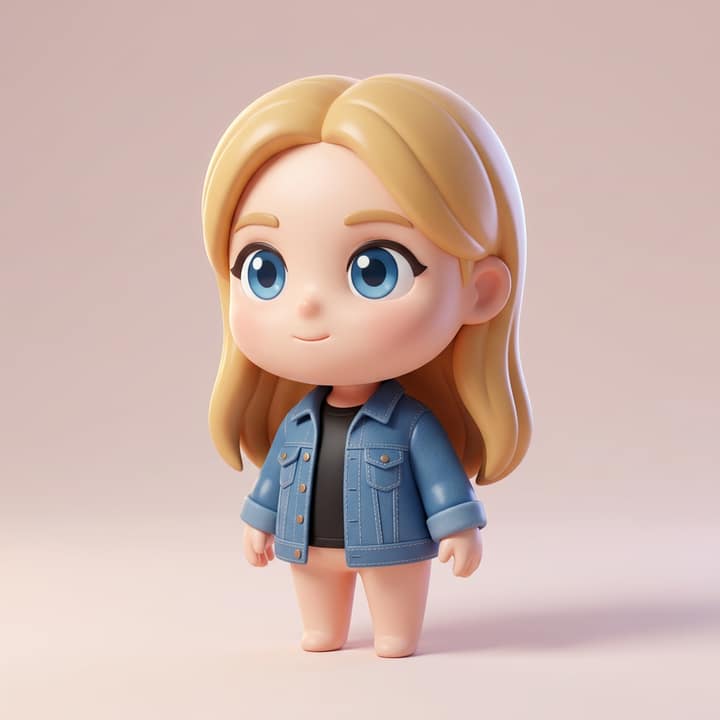
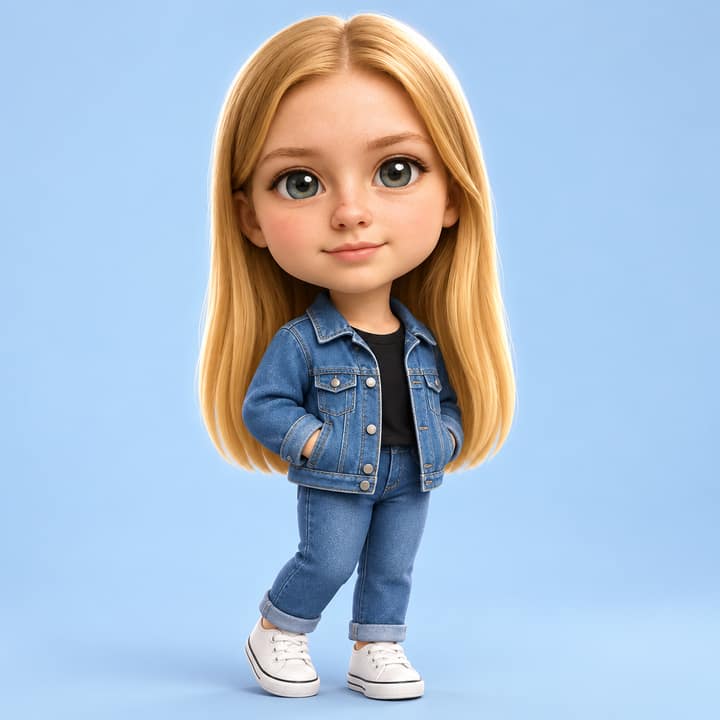

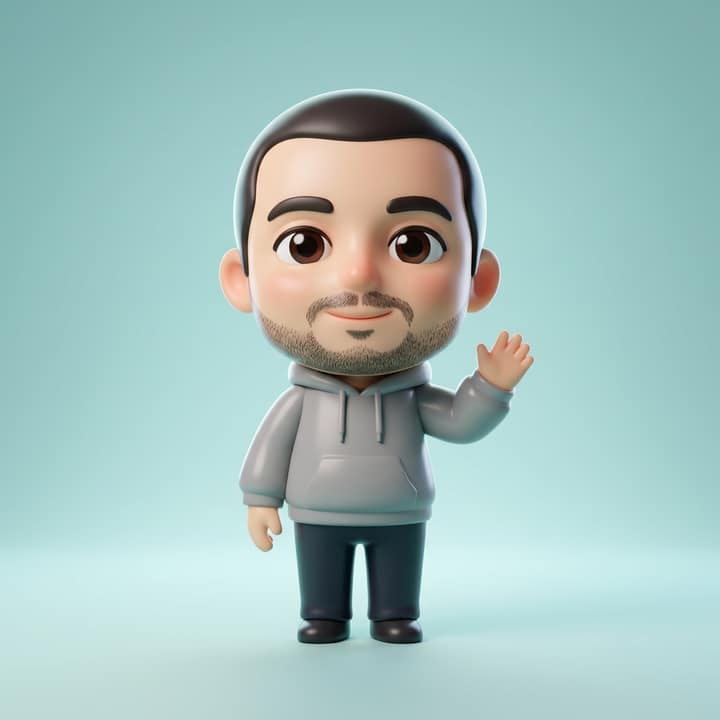
What is the Chibi AI trend?
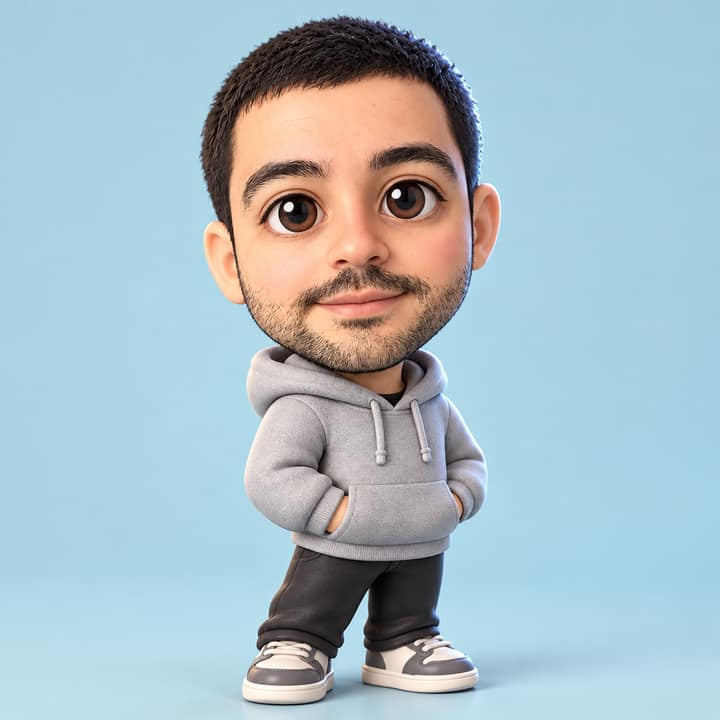
Chibi AI turns a portrait into a tiny, glossy version of you: oversized head, small body, big eyes, soft cheeks, and a toy-like finish. The posts people share around this trend are usually cute profile-style images, mini cartoon portraits, or playful photo-dump edits, often with sparkles, pastel colors, and a clean studio look. It picked up across Instagram, WhatsApp, and short-video apps in May 2026, and later spread into mini-me style variants on TikTok over the summer. It suits people who want something sweet, light, and easy to post without going full cosplay.
How to do the Chibi AI trend
- Open Phototrend in your browser — the first three runs are free, no account needed.
- Pick Chibi AI (it's in the Viral trends).
- Choose one clear photo where your face is easy to see.
- In about 20 seconds you get four versions. Download your favourite, or turn it into a 6-second video of you.
Tips for the best Chibi AI picture
- Use a clear front-facing or slight three-quarter selfie with even light, because the trend works best when the face is easy to read and the features stay recognizable.
- Start with a simple outfit and plain background so the AI can focus on the chibi shape, hair, and face instead of busy details.
- A relaxed smile usually looks better than a big expression, because chibi edits tend to feel cutest when the original face is calm and clean.
- If the first result looks too flat, ask for a more glossy vinyl-toy finish, softer cheeks, and stronger studio lighting.
Chibi AI prompt for Nano Banana (Gemini) and ChatGPT
Prefer to do it yourself? Paste this prompt with your photo into Gemini or ChatGPT. You get one picture a try, and keeping your face right often takes a few rewrites — on Phototrend it's one selfie, four versions in about 20 seconds.
Show the prompt
Using the uploaded photo of me as the reference, turn me into a cute glossy chibi character while keeping my face exactly the same. Make it full-body, with an oversized rounded head, tiny body, big expressive eyes, soft cheeks, and a clean version of my outfit. Place me in a friendly three-quarter pose on a seamless pastel studio background with soft diffused light, a gentle rim light, subtle floor shadow, smooth toy-like surfaces, and no text or logos anywhere.
Questions
Can I use a group photo for the Chibi AI trend?
It usually works best with one person per image, because the style is built around a single mini character. On Phototrend, you upload one photo, wait about 20 seconds, and the first three runs are free.
How do I make my chibi edit look more real and less messy?
Use a sharp, well-lit selfie with your face fully visible and avoid heavy filters. A simple background, clean hair, and one clear outfit help the toy-like finish look more polished.
What should I post with a Chibi AI image?
People usually post it as a profile picture, story, or photo-dump slide with a short caption. The look is already playful, so it works well with a simple name, emoji, or a caption about your mini-me.
More Viral trends
- Collectible figurine in a box
- Window Dance
- Big Head Caricature
- Tiny Desk AI
- Perdón Trend
- Butterfly Wings
- Photogenic Freeze Frames
- Korean baseball broadcast
- Mirror Panther
- Restyle Lookbook
- Epic Dunk
- Banana Tree Run
- Anime Flashlight
- AI Snow Triptych
- AI Crying Scene
- Durga Puja Look
- Uncanny Mascot Selfie
- Monsoon AI Photos
- Night Fuel Station
- Garba Night
- Ganpati Festival Portrait
- Luxe Collage