Ganpati Festival Portrait: the AI photo trend
A warm festive portrait with flowers, lamps and celebration. Phototrend makes it from one photo of you — four versions in about 20 seconds, no prompts to write.
Why it's trending: On Instagram and WhatsApp since Sep 14, Ganpati portraits add flowers, diyas and warm festive décor.
Make yours freeWhat you get
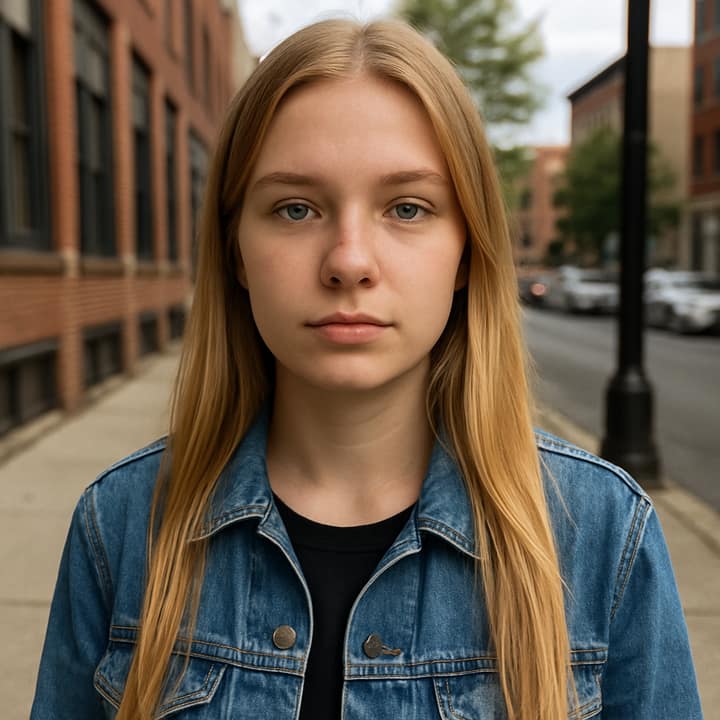
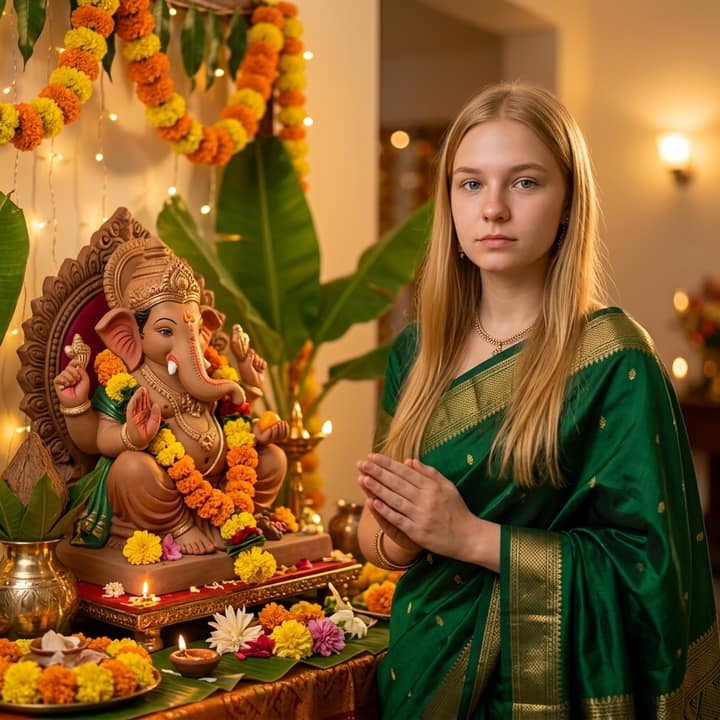
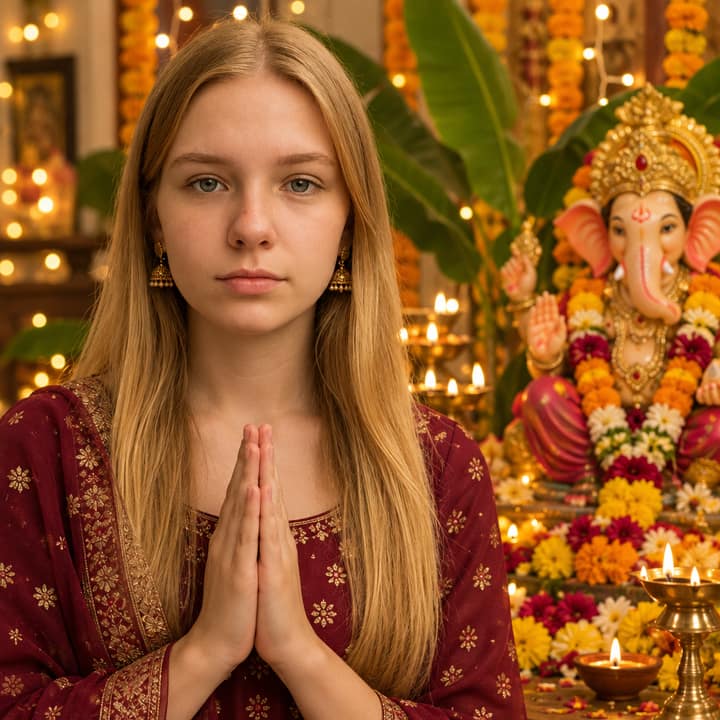

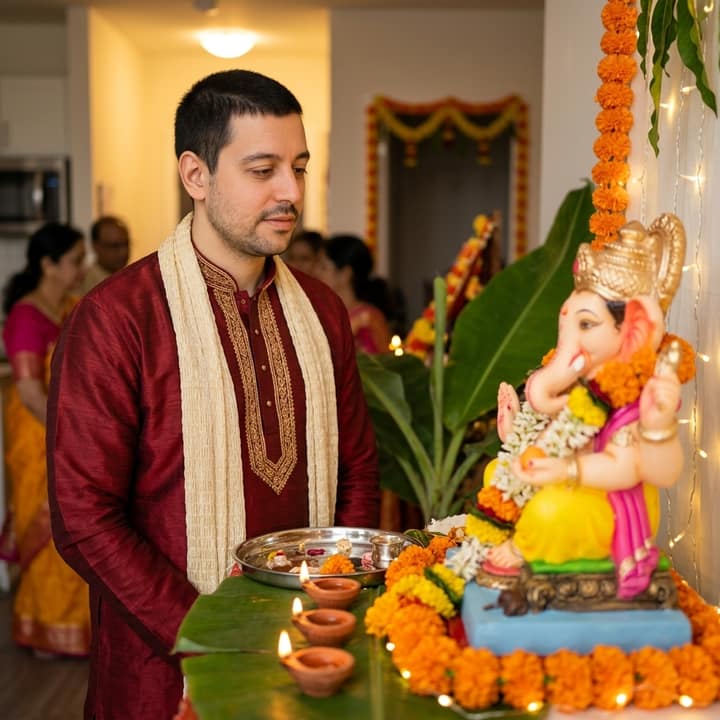
What is the Ganpati Festival Portrait trend?
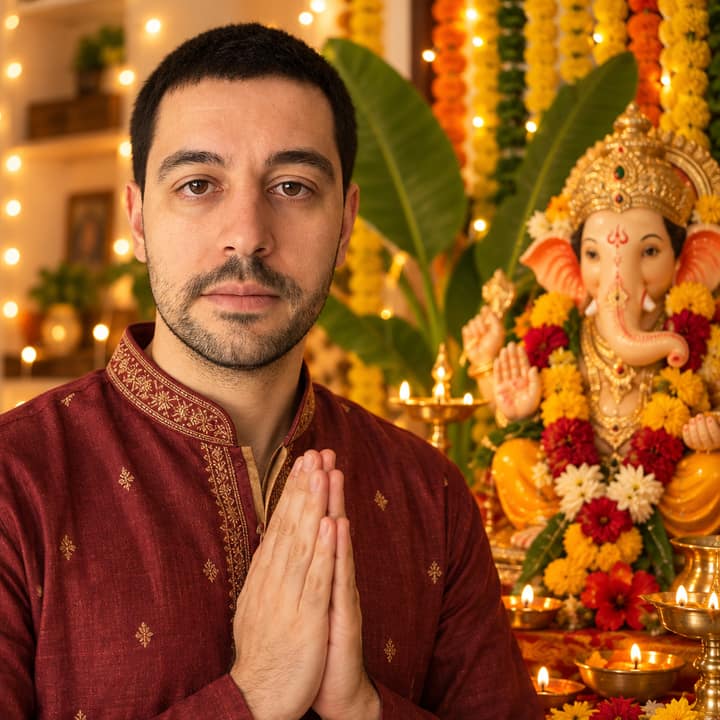
Ganpati Festival Portrait is a warm Ganesh Chaturthi AI photo style: a solo portrait in traditional Indian clothing, placed beside a decorated Ganpati idol with marigold garlands, diyas, flowers, banana leaves, fairy lights and soft golden light. It took off around Ganesh Chaturthi 2026, with Indian news sites publishing prompt roundups on September 14–15 as people shared festive portraits, greetings and Bappa-themed images for Instagram and WhatsApp.
People like it because it turns an ordinary selfie into a personal festival greeting without needing a decorated setup at home. It suits anyone who wants a respectful devotional portrait, especially a clear solo face photo with a calm smile, folded hands, or traditional festive styling.
How to do the Ganpati Festival Portrait trend
- Open Phototrend in your browser — the first three runs are free, no account needed.
- Pick Ganpati Festival Portrait (it's in the Viral trends).
- Choose one clear photo where your face is easy to see.
- In about 20 seconds you get four versions. Download your favourite, or turn it into a 6-second video of you.
Tips for the best Ganpati Festival Portrait picture
- Use a clear front-facing selfie with soft light and no sunglasses, because this trend depends on keeping the face recognizable beside the Ganpati décor.
- A calm smile, folded hands, or a peaceful expression works better than a dramatic pose for a devotional Ganesh Chaturthi portrait.
- Start with simple clothing or traditional wear in warm colors like cream, saffron, red, green or gold so the AI can turn it into festive attire naturally.
- For Instagram Stories or WhatsApp Status, try a vertical 9:16 crop; for an Instagram feed post, a 4:5 portrait usually frames the idol and flowers better.
Ganpati Festival Portrait prompt for Nano Banana (Gemini) and ChatGPT
Prefer to do it yourself? Paste this prompt with your photo into Gemini or ChatGPT. You get one picture a try, and keeping your face right often takes a few rewrites — on Phototrend it's one selfie, four versions in about 20 seconds.
Show the prompt
Using the uploaded photo of me as the reference, create a respectful ultra-realistic Ganpati Festival portrait and keep my face exactly the same. Show me in elegant traditional Indian festive clothing beside a beautifully decorated Ganpati idol, with marigold garlands, diyas, flowers, banana leaves and warm fairy lights. Use soft golden evening light, realistic skin texture, shallow depth of field, 50mm portrait camera look. No text or logos.
Questions
How do I make a Ganpati Festival Portrait from my selfie?
Upload one clear photo and use a prompt that asks for a Ganesh Chaturthi setting with a decorated Ganpati idol, flowers, diyas and warm festive light. On Phototrend, it takes one photo, about 20 seconds, and the first three runs are free.
Can I use this trend for WhatsApp Status or Instagram?
Yes. A vertical version works best for WhatsApp Status, Instagram Stories and Reels covers, while a slightly wider portrait crop is better for feed posts.
How can I make the Ganpati portrait look more real and respectful?
Ask for realistic skin texture, natural lighting and traditional décor rather than extra-glossy effects. Keep the idol placement respectful, avoid joke poses, and use a peaceful expression or folded-hands pose.
Does the Ganpati Festival Portrait work with groups or kids?
It works best with one person because the face match is cleaner and the composition stays focused. For kids, use a parent-approved clear photo and keep the styling simple, warm and devotional.
More Viral trends
- Collectible figurine in a box
- Window Dance
- Big Head Caricature
- Tiny Desk AI
- Perdón Trend
- Butterfly Wings
- Photogenic Freeze Frames
- Korean baseball broadcast
- Mirror Panther
- Restyle Lookbook
- Epic Dunk
- Chibi AI
- Banana Tree Run
- Anime Flashlight
- AI Snow Triptych
- AI Crying Scene
- Durga Puja Look
- Uncanny Mascot Selfie
- Monsoon AI Photos
- Night Fuel Station
- Garba Night
- Luxe Collage