Photogenic Freeze Frames: the AI photo trend
Turn a selfie into shutter-click studio freeze frames. Phototrend makes it from one photo of you — four versions in about 20 seconds, no prompts to write.
Why it's trending: On TikTok since early October; #photogenicfilter had 3,343 videos and 55M views on Oct. 28.
Make yours freeWhat you get
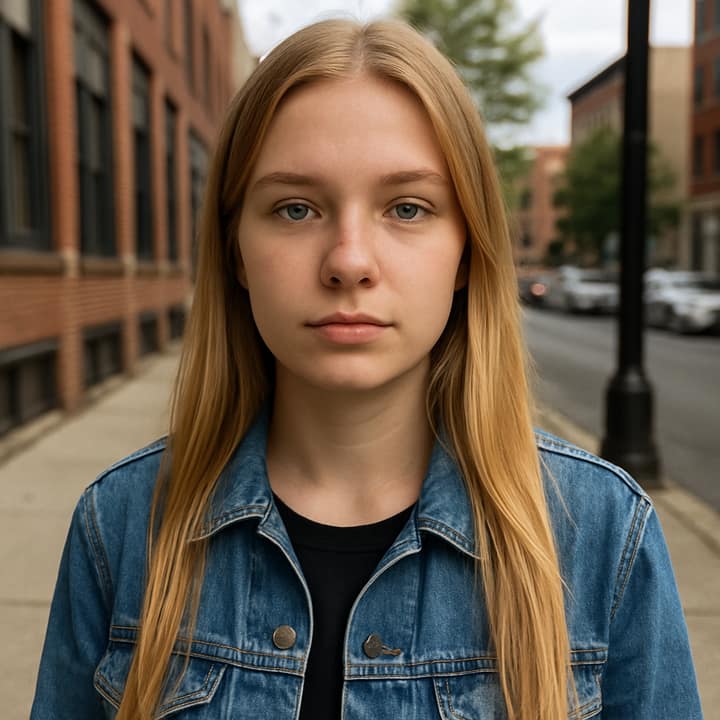
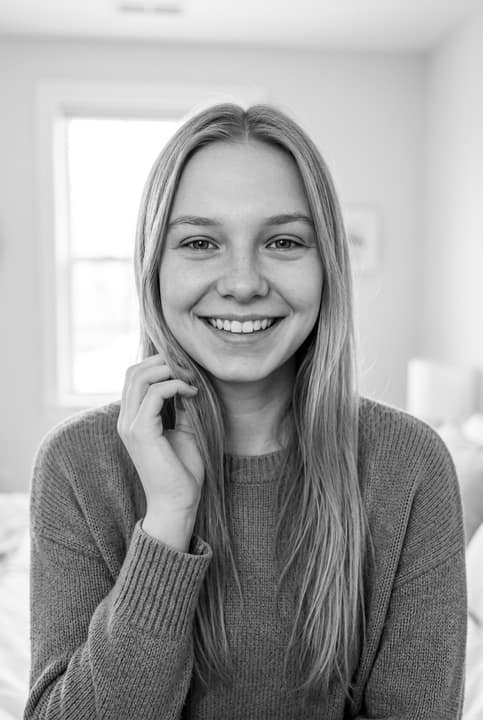
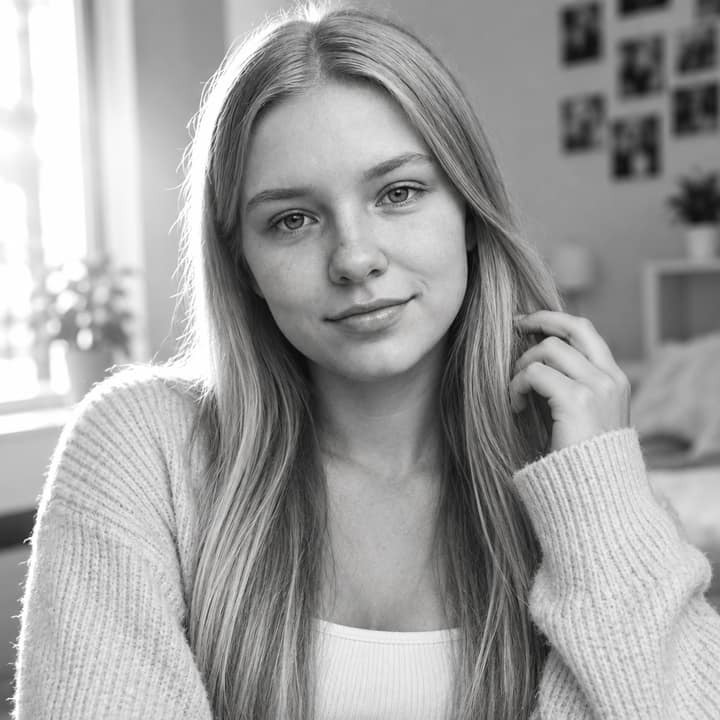


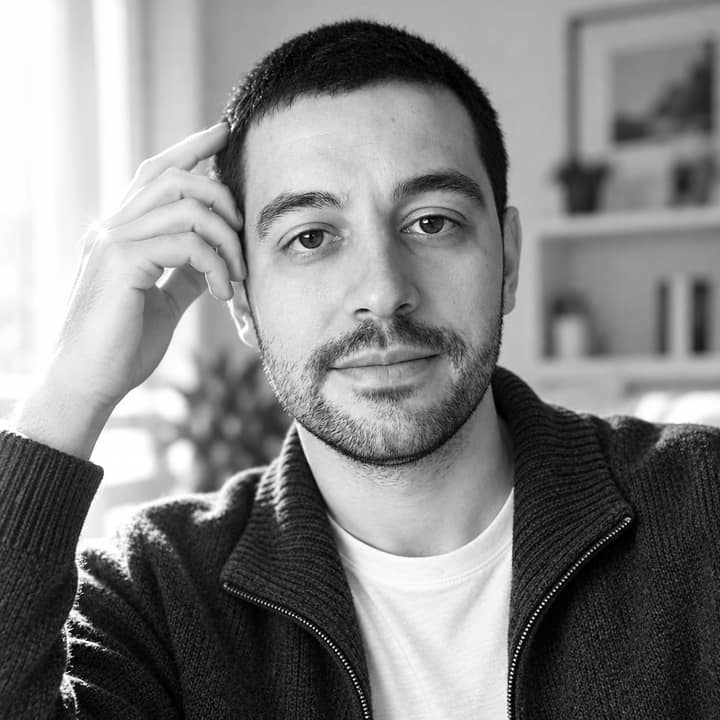
What is the Photogenic Freeze Frames trend?
Photogenic Freeze Frames is a TikTok-style edit where one selfie turns into a short studio-looking clip with slow-motion posing, shutter clicks, and brief black-and-white freeze frames. A newer version also shows a camera-and-printer setup that prints the person’s photo instead of just freezing the pose. It seems to have picked up in early October 2026 and was still spreading by late October, when #photogenicfilter had 3,343 videos and 55.0 million views. People like it because it makes everyday selfies feel polished without needing a real shoot, and it suits clear, front-facing portraits, neat hair, and simple outfits.
How to do the Photogenic Freeze Frames trend
- Open Phototrend in your browser — the first three runs are free, no account needed.
- Pick Photogenic Freeze Frames (it's in the Viral trends).
- Choose one clear photo where your face is easy to see.
- In about 20 seconds you get four versions. Download your favourite, or turn it into a 6-second video of you.
Tips for the best Photogenic Freeze Frames picture
- Start with a clear chest-up selfie in good light, looking near the camera, because the trend works best when the face is large and sharp.
- Keep sunglasses, hands over the face, and heavy shadows out of the source photo so the freeze frames stay clean and readable.
- Simple clothing and neat hair help more than dramatic styling, since the edit leans on the original photo for the outfit and overall look.
- A tidy bright background gives the photo-shoot version a more convincing studio feel; if your background is messy, try a cleaner selfie first.
Photogenic Freeze Frames prompt for Nano Banana (Gemini) and ChatGPT
Prefer to do it yourself? Paste this prompt with your photo into Gemini or ChatGPT. You get one picture a try, and keeping your face right often takes a few rewrites — on Phototrend it's one selfie, four versions in about 20 seconds.
Show the prompt
Using the uploaded photo of me as the reference, create a vertical photogenic freeze-frame studio portrait with my face kept exactly the same. Show me in a clean, bright studio, mid-pose as if a shutter just clicked, with a natural confident smile, soft flash lighting, crisp black-and-white freeze frames, shallow depth of field, and a polished photo-shoot look. Keep my outfit simple and realistic. No text, no logos, no watermark, no extra people.
Questions
Does Photogenic Freeze Frames work with group photos or kids?
It usually works best with one clear face. For this trend, a single adult selfie gives the cleanest result, and the template guidance specifically says to use one adult photo and not a child. On Phototrend, it takes one photo, about 20 seconds, and the first three runs are free.
How do I make it look more real?
Use a sharp, front-facing photo in bright light with your eyes visible and your face unobstructed. A simple pose and plain background help the shutter-flash freeze frames look like they were captured on purpose, not pasted in.
What should I post it with?
It usually does well as a short before-and-after style post or a single clip where the freeze frames do the work. People often pair it with the trend name or a simple caption about getting “photo shoot” energy from one selfie.
More Viral trends
- Collectible figurine in a box
- Window Dance
- Big Head Caricature
- Tiny Desk AI
- Perdón Trend
- Butterfly Wings
- Korean baseball broadcast
- Mirror Panther
- Restyle Lookbook
- Epic Dunk
- Chibi AI
- Banana Tree Run
- Anime Flashlight
- AI Snow Triptych
- AI Crying Scene
- Durga Puja Look
- Uncanny Mascot Selfie
- Monsoon AI Photos
- Night Fuel Station
- Garba Night
- Ganpati Festival Portrait
- Luxe Collage